Step 01
Open the Trackeon simulator
On the computer or display, open the browser simulator and choose the pairing option. A QR code appears in the center of the range.
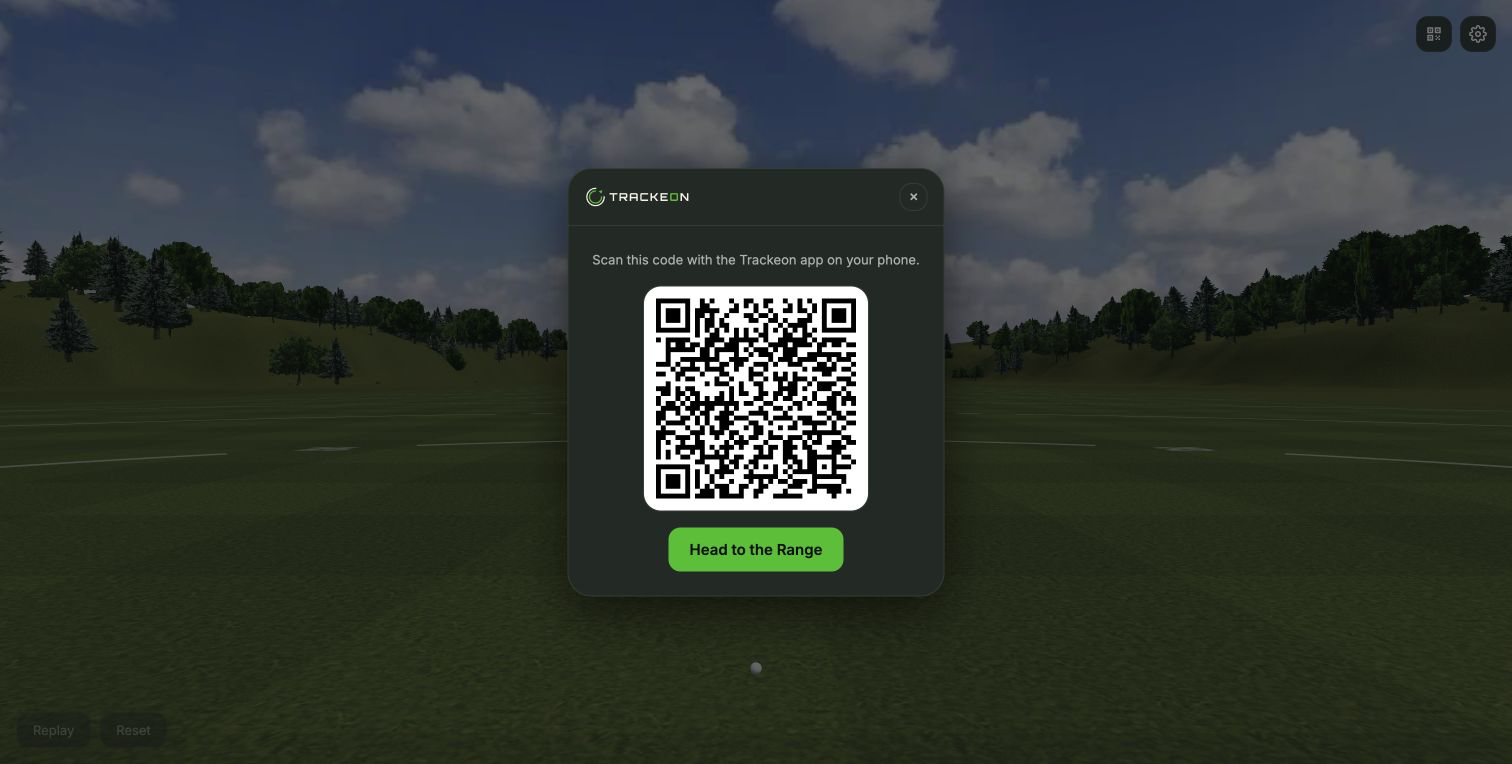
Pairing code
Open one web page, scan its code, and send each Trackeon result to a computer, TV, or projector.
A phone running Trackeon and a browser on the display you want to use.
Leave the simulator tab open for the entire session.
On the computer or display, open the browser simulator and choose the pairing option. A QR code appears in the center of the range.
In the Trackeon app, open the browser simulator session flow from the Play tab. Allow camera access if the phone asks for it.
Point the phone at the QR code on the larger display. Hold the full code inside the green scanner frame until the app confirms the connection.
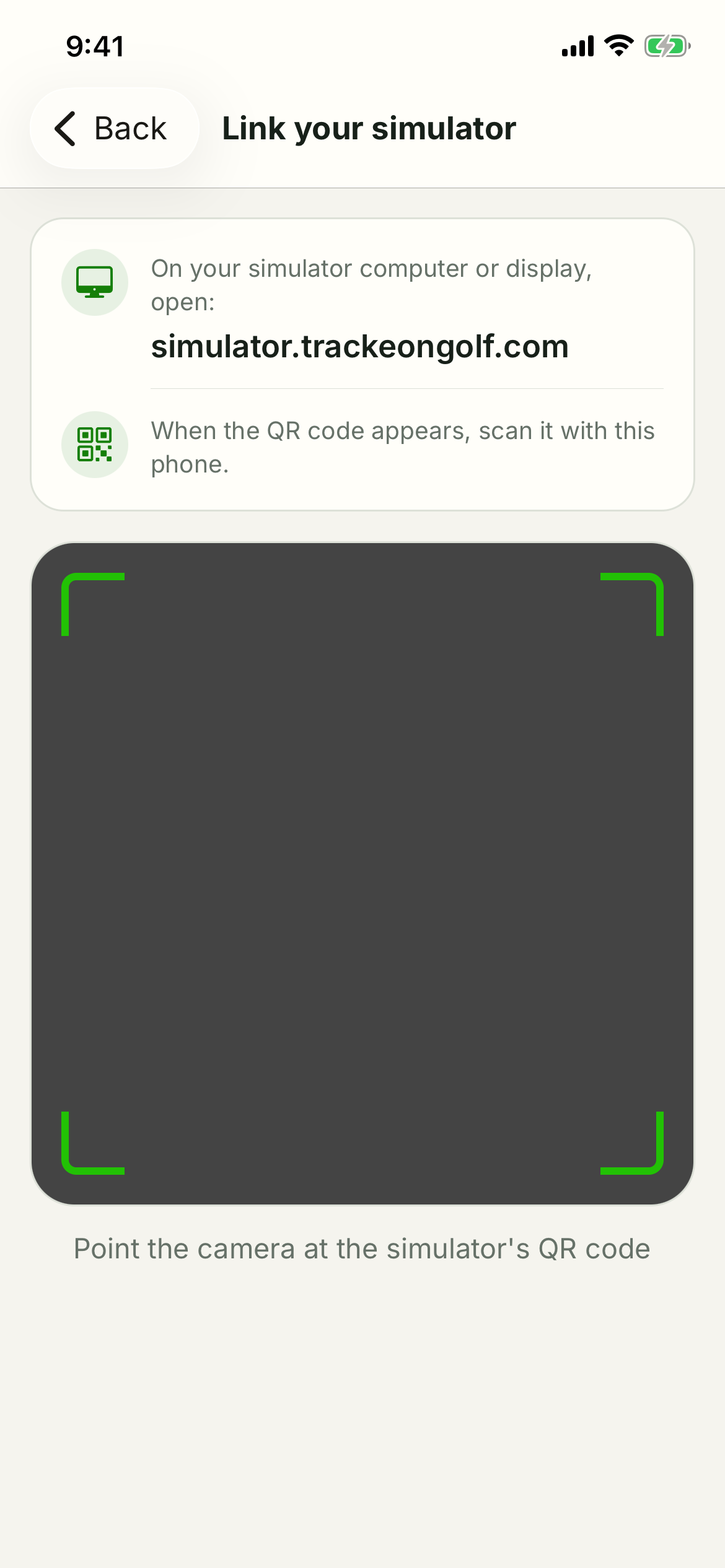
You're ready to use the app to track your swings. After a swing successfully tracks you should see it simulated in the driving range.
Refresh the simulator page for a new code, increase the display brightness, remove glare, and try again with the full code inside the frame.