Step 01
Mount the phone securely
Set the tripod on the same floor as the ball. Use the rear camera and keep the lens between 36 and 54 inches (90 to 140 cm) above the ground. A slight downward tilt is fine.
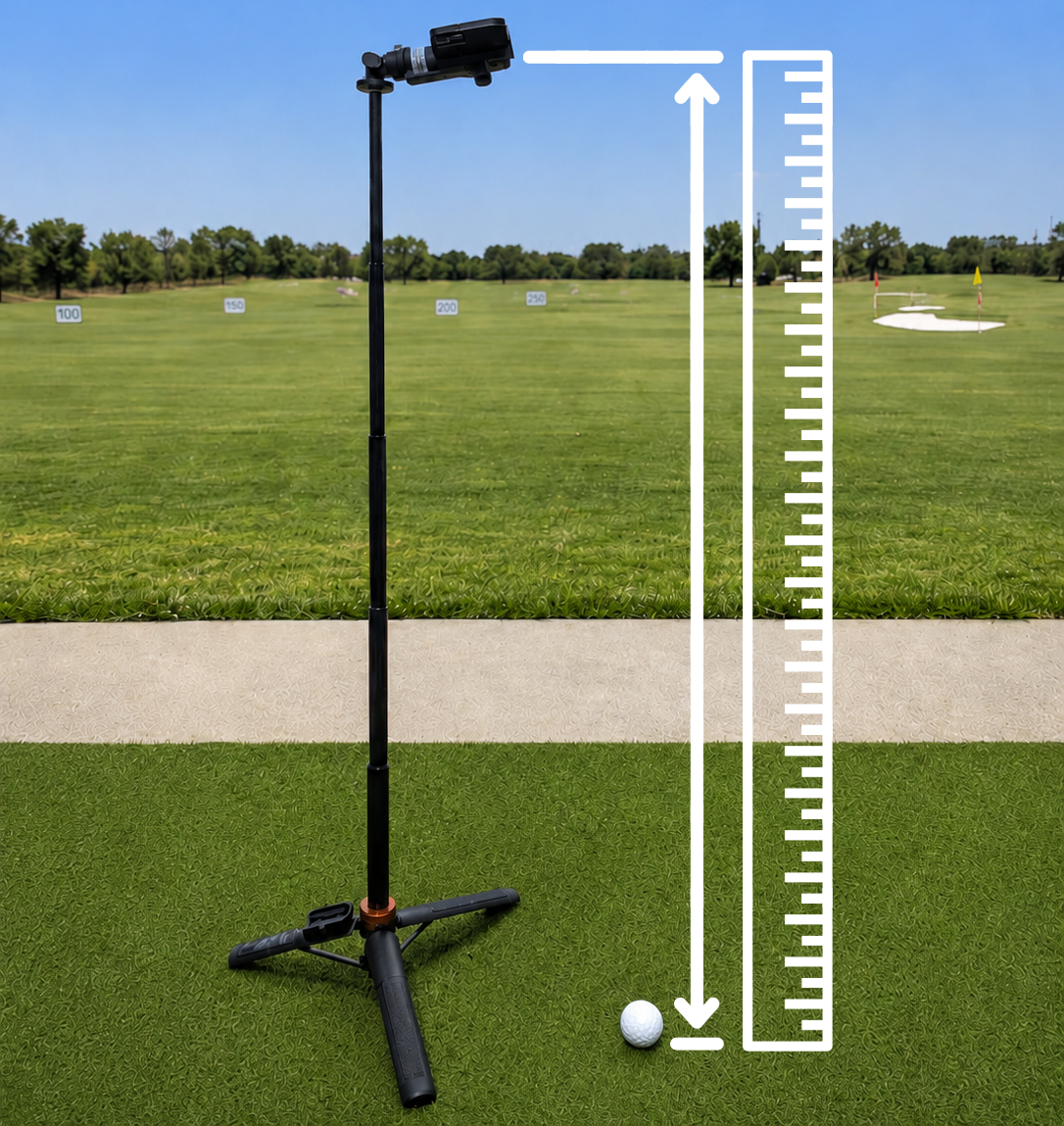
Set the phone at the right height, measure to the lens, and give the camera a clean view of the ball.
Your phone, a stable tripod, one golf ball, and a tape measure.
A steady phone, a visible ball and clubhead, and an exact floor-to-lens height saved in Trackeon.
Set the tripod on the same floor as the ball. Use the rear camera and keep the lens between 36 and 54 inches (90 to 140 cm) above the ground. A slight downward tilt is fine.
Start on the ground directly below the phone and measure vertically to the center of the camera lens. Do not measure along a tripod leg or to the edge of the phone. This number sets the scale for every shot.
This is the key measurment for calibrating the system. The more accurate your measurement is, the better the results will be.
Open Tracker settings, select the same units used on the tape measure, and enter the floor-to-lens distance.
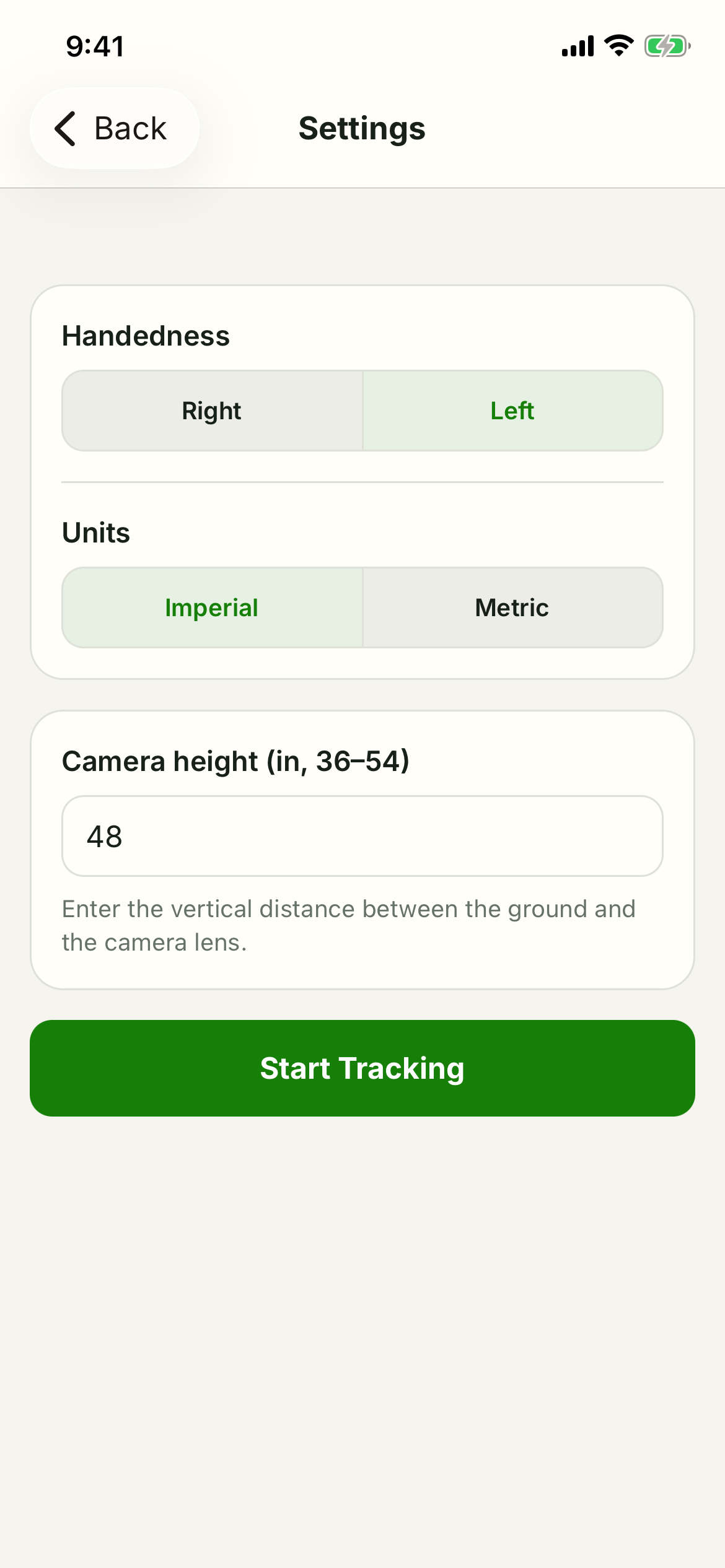
Clean the lens if it's dirty, and avoid hard shadows. Strong, soft, even lighting produces the best results.