Open Tracker and confirm the setup
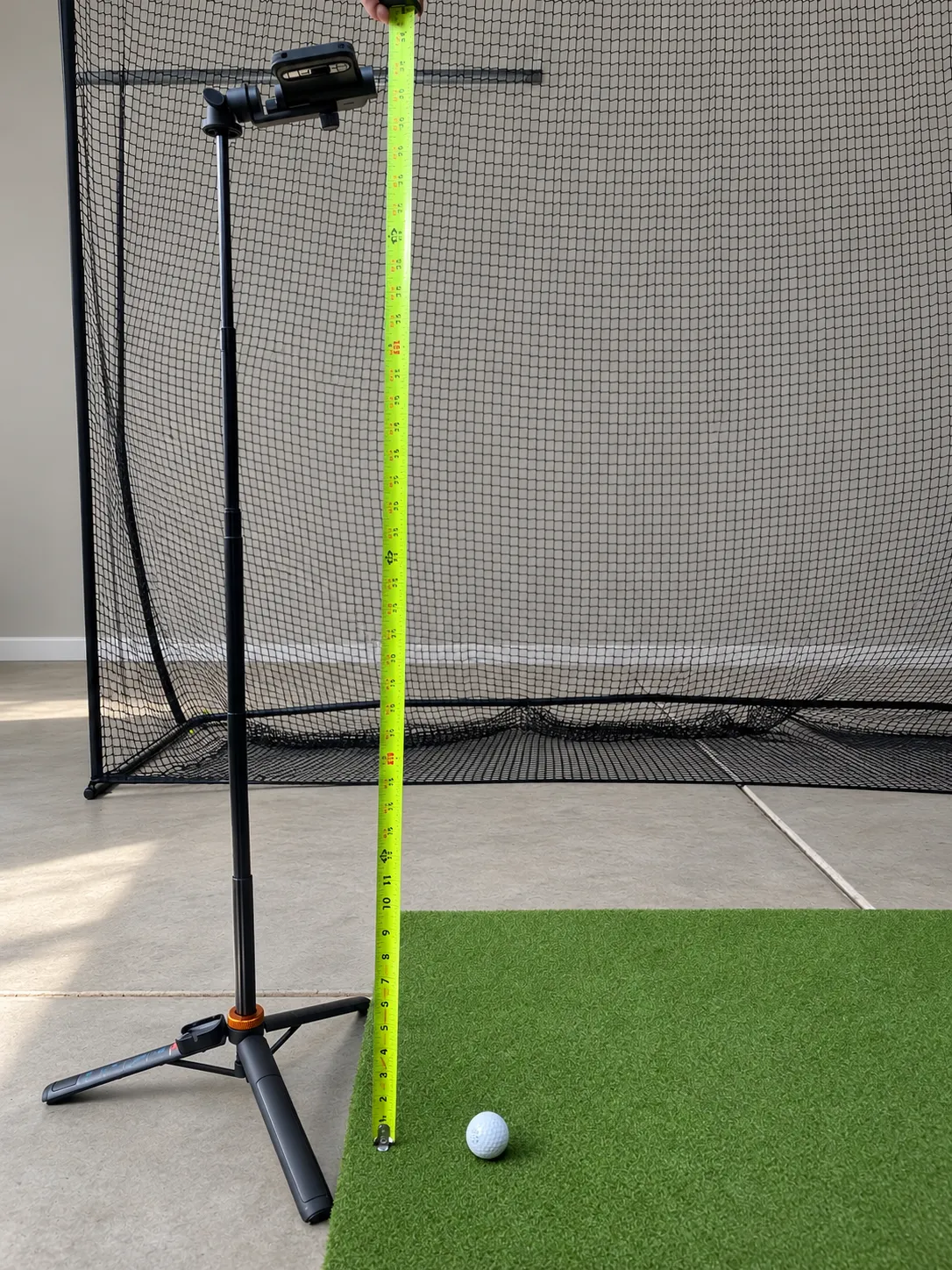
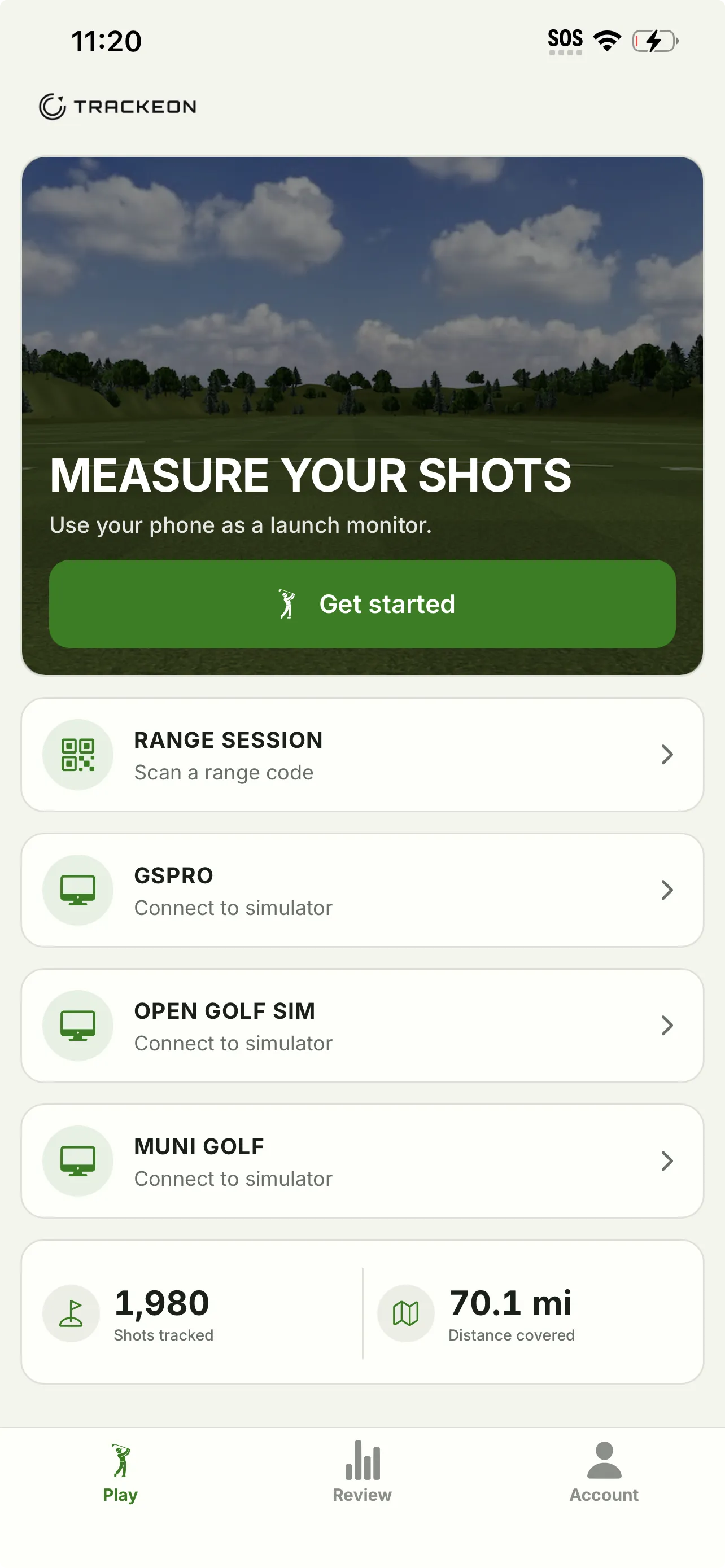
Open Tracker from the Trackeon home screen and rotate the phone to landscape. Check handedness, units, and camera height before the first shot of a session.
A clean capture is mostly preparation: stable framing, the correct club, and one swing after Trackeon says it is ready.
Confirm the phone has not moved since you measured its height.
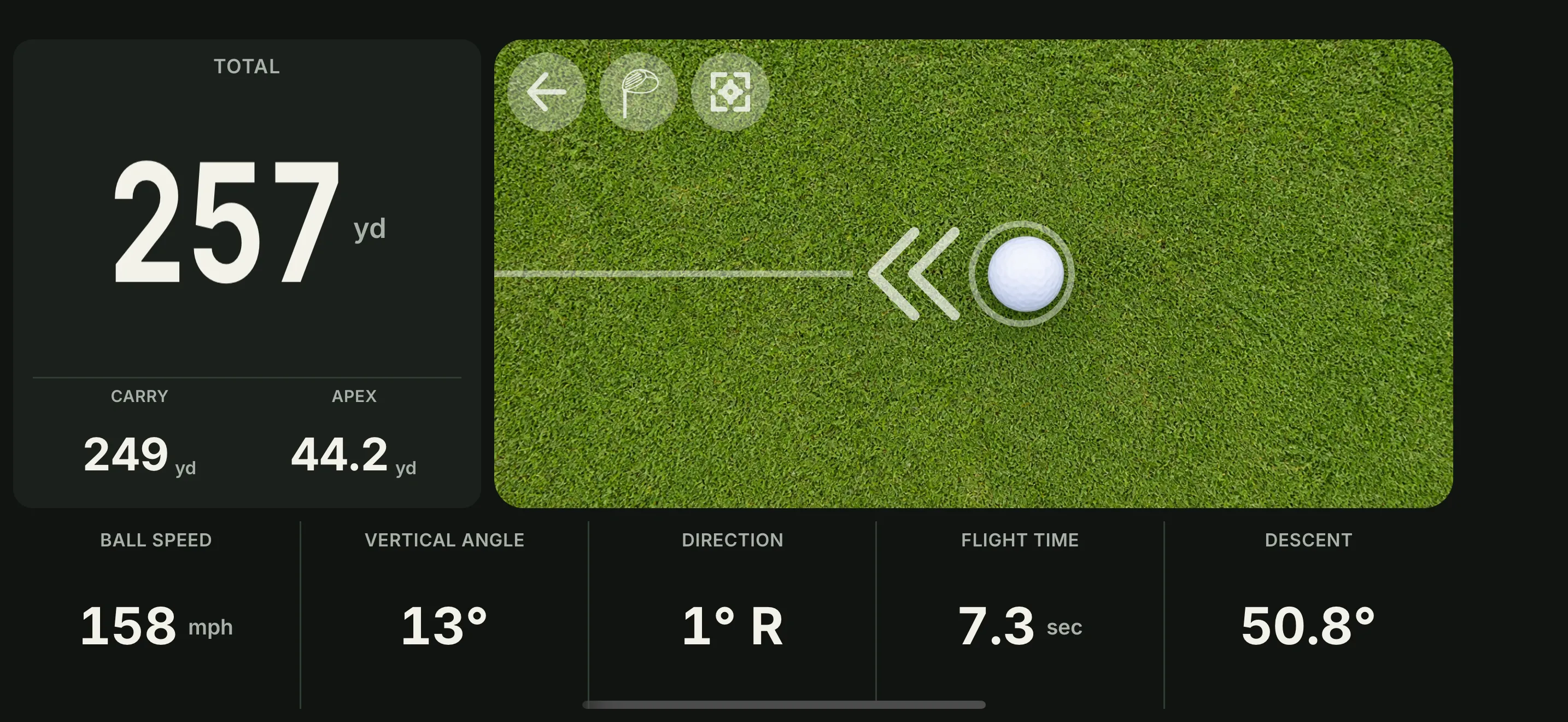
A completed result with carry, total distance, and the supporting launch metrics.
Open Tracker from the Trackeon home screen and rotate the phone to landscape. Check handedness, units, and camera height before the first shot of a session.
Select the club you are about to hit. Keep the whole ball and clubhead visible, with enough floor around them for Trackeon to follow the first part of the flight.
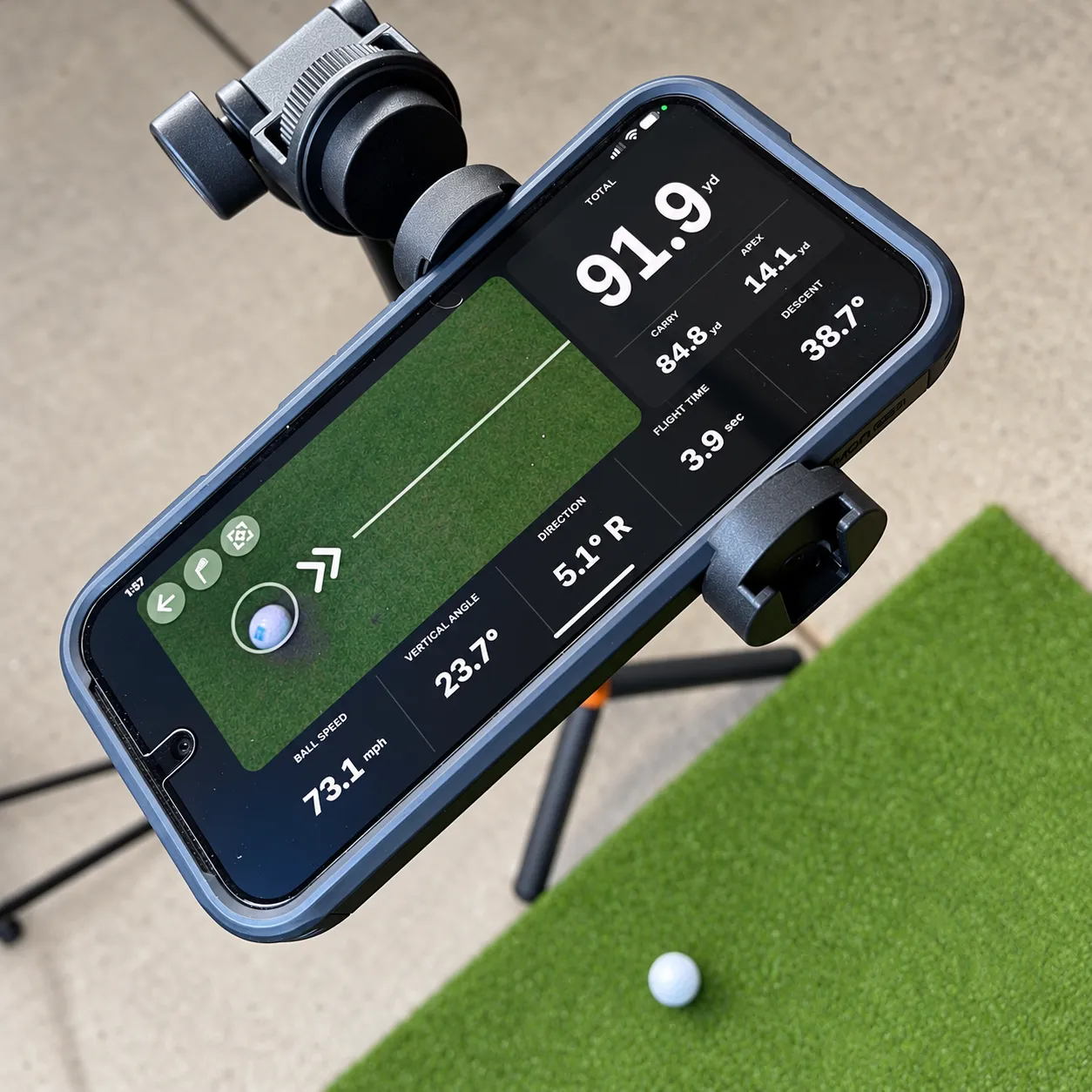
Set the phone back on the stable tripod and place the ball inside the ring in the camera preview. Wait for the "ding" sound that indicates the app is ready for you to swing. Do not begin the swing before the ding.
Swing normally after the ready tone. Trackeon processes the capture and shows the result automatically.

A shot may fail from time to time. If it's happening frequently take a look at the troubleshooting guide to get back on track.